


Build Your Portfolio after learning WORDPRESS WEBSITE
How to Build Epic, Mobile-Ready, Stunning Sites — from Scratch to Launch + Design Trends, Tips & Evergreen Wisdom
Introduction — Let’s Make Your Website AMAZING! 🚀
If you’re reading this, you’re serious about building a WordPress website that doesn’t just “exist,” but compels, converts, and looks breathtaking. You’re in the right place. Today, we’re demystifying how to build world-class WordPress websites using:
-
Astra Theme – lightweight, performance-focused, and insanely flexible
-
Starter Templates – collection of professionally designed pages
-
Elementor – the visual drag-and-drop design powerhouse
This guide is written for both absolute beginners and pro designers wanting to level up. Expect wisdom gained from building scores of real websites — mistakes included!
Why Astra + Starter Templates + Elementor is the Holy Trinity of WordPress Design
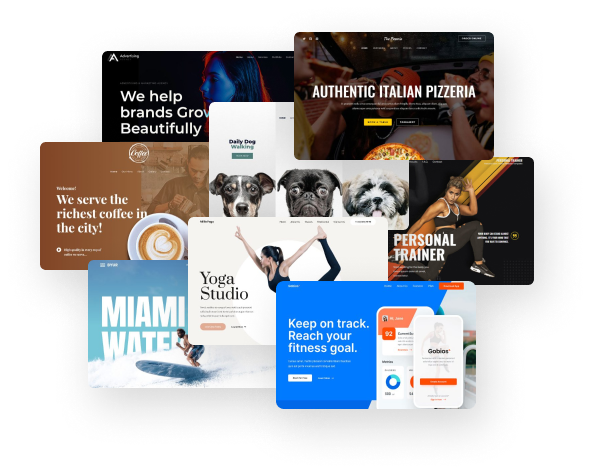
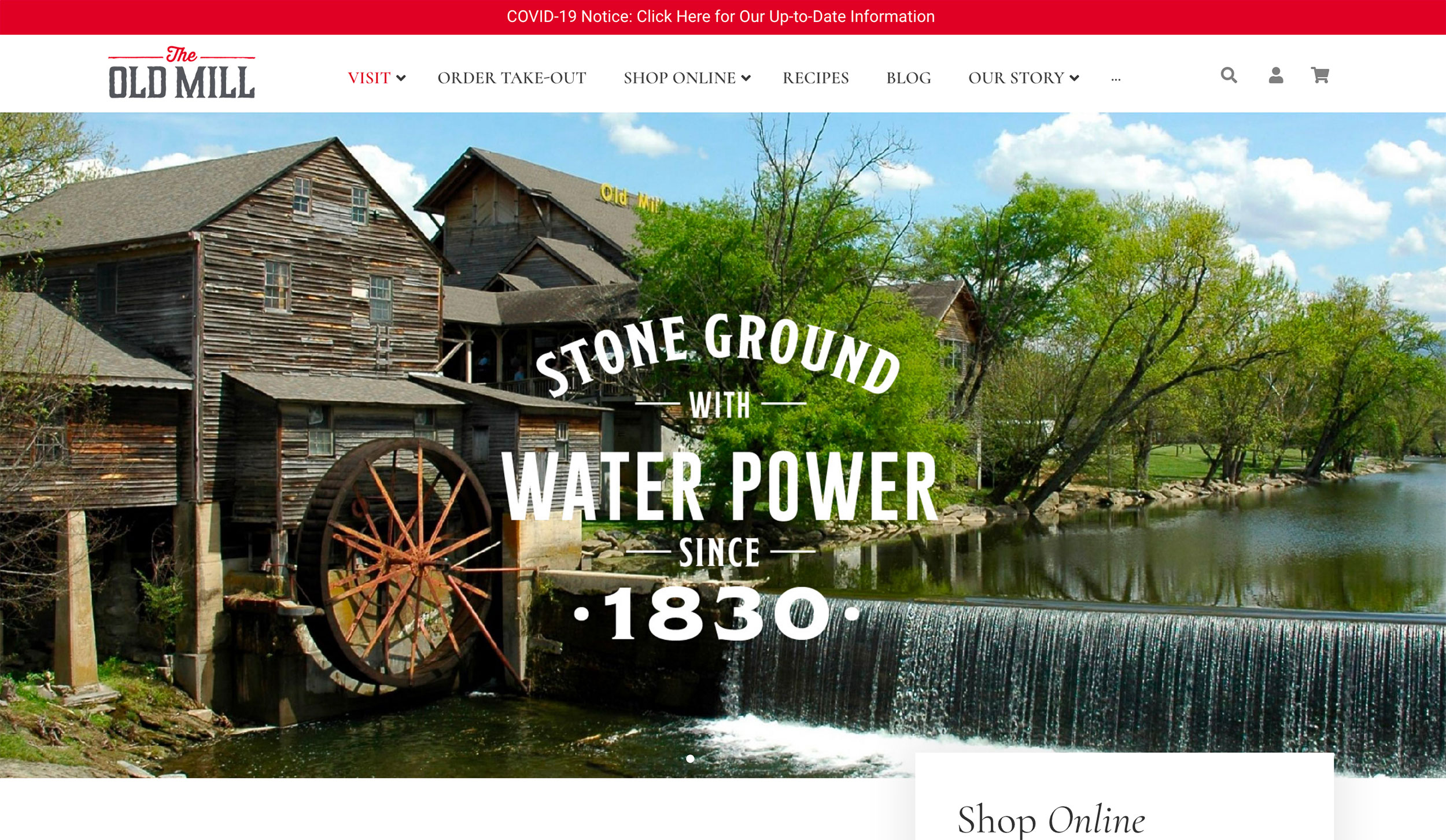
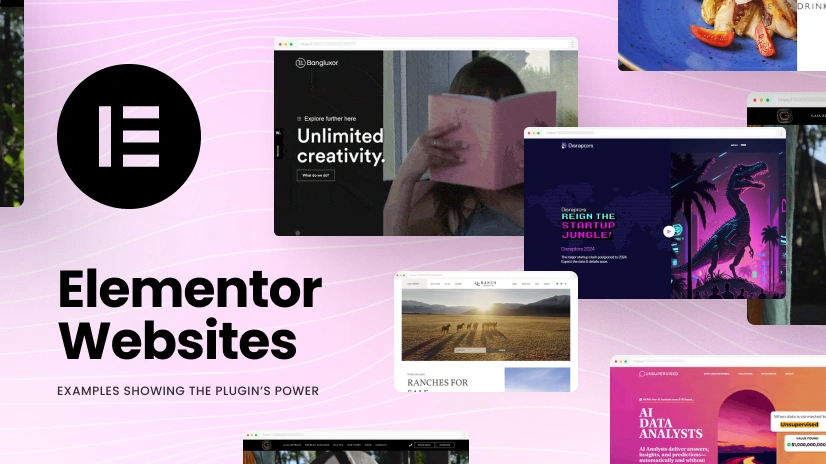
Before we dive in, let’s set the stage.
🚀 1. Astra: Fast, Flexible & Future-Ready
Astra is a lightweight WordPress theme known for fast loading speeds, SEO-friendly code, and seamless integration with page builders like Elementor. Its minimalist design philosophy makes it perfect for modern layouts and strong content hierarchy — both UX and SEO winners. DesignRush
🧰 2. Starter Templates: Design That’s Already Done
The Starter Templates plugin gives you access to hundreds of ready-made templates built for Elementor, Gutenberg, or other page builders. Pick a template, import it, customize your branding — boom, you’re already halfway done. WordPress.org
🎨 3. Elementor: Design Without Limits
Elementor lets you visually design your site with drag-and-drop ease. You don’t need to touch a single line of code — but you can go deep if you want to.
Combine all three, and you get:
✔️ Beautiful templates
✔️ Fast performance
✔️ Zero coding (unless you want it)
✔️ Responsive designs
✔️ Unlimited customization
✔️ SEO-friendly structure
Website Design Trends Dominating 2025–2026
Let’s talk trend juice — the kind of design choices that make users pause and go “WOAH.”
📌 Minimalism & Bold Typography
Clean sites with open layouts, white space, and striking typography lead to better readability and faster loading. This trend isn’t just aesthetic — it boosts engagement. curator.io
📌 Immersive Scrolling + Micro-Interactions
Users today expect smooth transitions, parallax effects, animated buttons, and interactive elements that feel alive without slowing the site. Premium WordPress Professional Themes
📌 Dark Mode (Don’t Sleep on It)
Dark mode isn’t just an app thing anymore. It’s become a staple in modern websites for reducing eye strain and adding sleek contrast. Premium WordPress Professional Themes
📌 Typography-Driven Branding
Big, bold headlines + carefully chosen fonts = huge branding impact. Use Google Fonts + custom weights wisely. curator.io
📌 Mobile-First Design
If your site looks awkward on mobile, everything else doesn’t matter. Astra + Elementor both support responsive design — but you still must test every layout on phones and tablets.
Step-by-Step: Build Your First Astra WordPress Website
This is the part where we slow down and hold hands through the process.
Step 1 — Install WordPress
Your host (SiteGround, Bluehost, Hostinger — whatever you love) usually installs WordPress with one click.
Pro Tip: Always use HTTPS/SSL. Nothing says “professional” like a secure site address.
Step 2 — Install & Activate Astra Theme
-
Go to Appearance → Themes
-
Search for Astra
-
Click Install → Activate
Boom — you’re halfway to a gorgeous site.
Step 3 — Install Starter Templates Plugin
-
Go to Plugins → Add New
-
Search: Starter Templates (AI-Powered Templates for Elementor & Gutenberg)
-
Install & Activate
This gives access to 100+ Elementor-ready templates you can use as foundation pages. WordPress.org
Step 4 — Choose Your Page Builder
When importing a template, choose Elementor (even if you want to hand-craft later). Elementor gives you maximum design control.
⚡ Pro Tip
Elementor offers global design controls like Global Colors, Typography, and Layout settings — use them to keep your site visually consistent.
Step 5 — Import a Full Starter Site
Pick a template based on your niche (portfolio, agency, restaurant, blog, eCommerce shop) and click Import.
You’ll get:
✔ Homepage
✔ About Page
✔ Services/Products
✔ Contact Page
Even menus, headers and footers are ready to edit.
Designing with Elementor — The Winning Workflow
Once your template is imported, Elementor becomes your creative playground.
Global Settings: The Backbone
Before editing individual pages:
📌 Set Global Colors
📌 Set Typography Styles
📌 Define Button Styles
📌 Adjust Container Spacing
This keeps your design consistent and scalable.
Crafting a High-Impact Homepage (Step-by-Step)
Your homepage is the digital front door — make it unforgettable.
🧠 Hero Section that Converts
Your hero (top section) should include:
-
Big, bold headline
-
Sub-headline that clarifies value
-
Hero image/video/slider
-
CTA button (e.g., “Get Started”, “Book a Demo”)
Humor Tip: A boring hero is like decaf coffee — nobody remembers it.
📣 Social Proof Above the Fold
Show testimonials, reviews, logos of partners, awards — before users scroll.
Trust increases conversions — period.
📦 “What You Do” Section
Use icons + short text to summarize what you offer. Short attention spans demand brevity.
✨ Featured Projects / Services
Use Elementor’s inner section widgets to showcase:
-
Projects you’re proud of
-
Case studies
-
Benefits over features
👇 Call-to-Action Repeat
Repeat your CTA in strategic spots:
🎯 After Hero
🎯 Mid-page
🎯 Bottom of page
Why? Because users convert at different scroll depths.
Essential Pages & Layout Tips
Let’s talk page types and how to make them shine.
About Page — Tell a Story People Care About
Explain why you exist. Use:
-
Team photos
-
Timeline
-
Awards/Certifications
-
Mission + Vision
Use strong typography and emotion-filled words — this is your brand identity moment.
Services / Product Pages
Structure them:
⭐ Clear title
⭐ Features with icons
⭐ Benefit-oriented descriptions
⭐ Related case studies
⭐ CTA to purchase/contact
Blog Page + SEO
Blog posts are traffic magnets. Write consistent, long-form content that answers real user questions.
✔ Use headings
✔ Add internal links
✔ Add images with alt text
✔ Add callouts and quotes
Advanced Design Techniques for Elementor Pros
Want to sound like you really know your stuff? Here are some pro moves:
🎨 Dynamic Content
Elementor Pro allows dynamic text — perfect for portfolios, team bios, or dynamic post templates.
📱 Responsive Visibility Controls
Hide/show sections on desktop vs mobile to optimize UX across devices.
🧠 Custom Fonts & Asset Optimization
Use local fonts and optimized SVG icons to keep your site fast.
Speed, SEO & Best Practices (Don’t Skip This!)
Even the prettiest site fails without performance.
⚡ Speed Optimization
✔ Use a caching plugin
✔ Optimize images (WebP)
✔ Use lazy load
✔ Keep plugins lean
Astra + Elementor already provides light code; you just have to maintain it.
🔍 On-Page SEO Checklist
✔ SEO Title
✔ Meta Description
✔ Focus Keyword
✔ ALT text for images
✔ Internal linking
No rocket science — just consistency.
Examples That Inspire (And Why They Work)
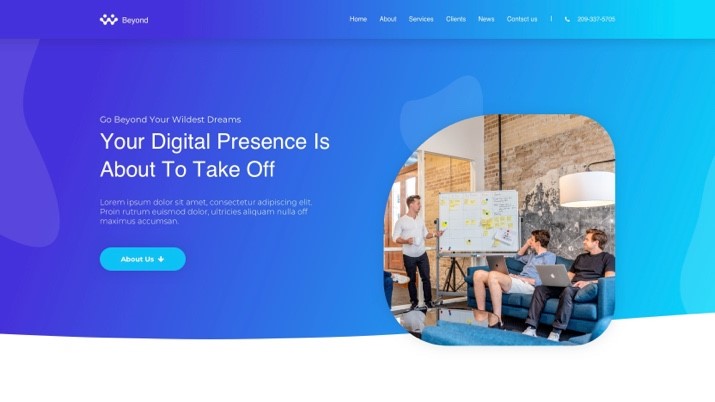
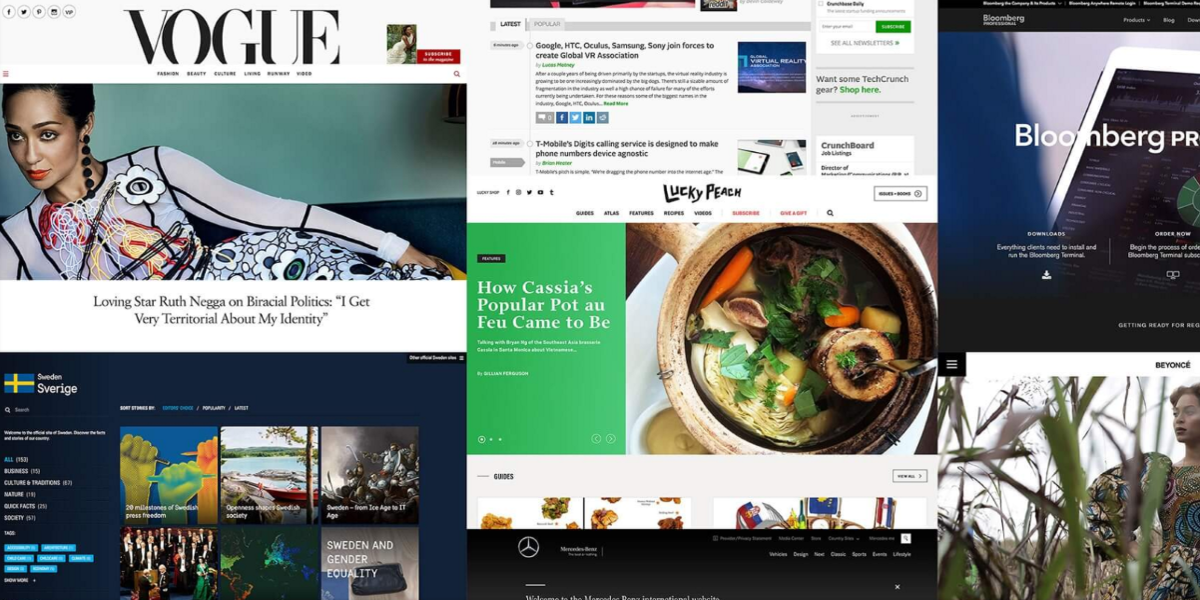
Here are real design inspirations built with Elementor, WordPress and adaptable to Astra themes:
⭐ Zensho Agency
A crisp, minimal layout with sticky header, intuitive navigation and bold imagery. Users instantly see who you are and what you do. Colorlib
⭐ Mitchell Adam
Rounded design elements, large typography and engaging UI — perfect for creative portfolios or modern agencies. Colorlib
⭐ DistantJob
A clean, corporate look with user-friendly navigation and multiple footer sections — ideal for service businesses. Colorlib
Troubleshooting Common Astra + Elementor Issues (Straight Talk)
Some gotchas you may run into (and how to fix them):
🛠 Template Not Showing Up
Make sure you have Elementor installed and selected as your page builder during import. Reddit
🛠 Starter Templates Appear Blank
Double-check that Starter Templates is updated and that Elementor is active. Sometimes simply reinstalling both fixes it. Reddit
🛠 Editing Issues Inside Elementor
If sections don’t show or display weirdly, update Elementor & Astra to latest versions — most bugs resolve with updates.
Your 2026 Web Design Checklist
📌 Mobile-Responsive
📌 Fast Load (< 2s)
📌 Clear Hero + CTA
📌 Testimonials
📌 Optimized Images
📌 SEO Tags + Alt Text
📌 SSL Activated
📌 Cross-Browser Tested
Conclusion — How to Win With WordPress in 2026
There’s a reason Astra + Starter Templates + Elementor are recommended by designers worldwide:
✔ Speed
✔ Flexibility
✔ SEO
✔ Zero coding
✔ Professional results in minutes
This combo lets you skip the boring parts and focus on designing strategic, engaging websites visitors will remember.
Whether you’re building for clients or creating your own brand — do it with intent, polish, and speed. If you follow the blueprint above, your site won’t just exist — it will shine.
Catégories
Lire la suite
Digital marketing has become an indispensable tool for businesses of all sizes looking to expand their reach and drive growth. This comprehensive guide explores the key components of digital marketing services, providing you with a roadmap to navigate the digital landscape effectively. 1. Search Engine Optimization (SEO) SEO is the practice of optimizing your website to rank higher in search...
Digital transformation is no longer a slow trend; it's a rapid wave changing how every industry works. Businesses today rely on online advertising more than ever, and this shift shows no signs of slowing down. According to Statista, digital ad spending worldwide is expected to surpass $870 billion by 2027, proving how essential digital channels have become for brand growth. Shortly after this...

Introduction: Understanding Data in Today’s World Every second, millions of people use the internet, swipe cards, click ads, and make purchases. All of this creates data. But raw data alone means nothing unless you can make sense of it. That’s where data analytics comes in. In simple words, data analytics is the process of understanding and using data to make smart decisions....