

50 WordPress Interview Questions
🧩 BASIC WORDPRESS (1–10)
1. What is WordPress?
WordPress is a CMS used to build websites without coding.
2. Why do companies prefer WordPress?
Because it is easy, fast, SEO-friendly, and has thousands of themes/plugins.
3. Difference between Posts and Pages?
Posts = blog content
Pages = static content (About, Contact).
4. What are plugins?
Small tools that add extra features to the website.
5. What is a theme?
A theme controls the website’s design and layout.
6. Where do you change the site logo?
Appearance → Customize → Site Identity.
7. What is the dashboard?
Admin control panel to manage the website.
8. What are widgets?
Small blocks added to sidebar/footer.
9. What is permalink?
Website URL structure for posts/pages.
10. Why is permalink important?
Helps SEO and makes links readable.
🌐 HOSTING + DOMAIN PRACTICAL (11–18)
11. What is web hosting?
Server space where website files are stored.
12. What happens when user types your domain?
DNS connects domain → server → website loads.
13. What is SSL?
Security certificate that makes site HTTPS.
14. Why HTTPS is required?
For security + Google ranking + trust.
15. What is cPanel?
Hosting control panel to manage files, database, emails.
16. How do you install WordPress?
Using Softaculous installer OR manual upload.
17. What is database in WordPress?
Stores posts, users, settings, content.
18. Why backups are necessary?
To restore site if hacked or broken.
🎨 DESIGN & PAGE BUILDING (19–28)
19. What page builder have you used?
Most beginners use Elementor for drag-and-drop design.
20. Why do companies use page builders?
To quickly design pages without coding.
21. How do you create a page?
Pages → Add New → Edit with builder.
22. How do you make website mobile friendly?
Check responsive mode and adjust margins, fonts.
23. How do you change fonts/colors?
Through theme customizer or builder settings.
24. How do you create menu?
Appearance → Menus → Add pages → Save.
25. How do you add contact form?
Install form plugin → create form → paste shortcode.
26. How do you upload images safely?
Compress before upload.
27. Best image formats for web?
JPG for photos, PNG for transparent, WebP best.
28. How do you duplicate a section?
Right-click → duplicate (in builder).
🔌 PLUGINS + PERFORMANCE (29–38)
29. Name some must-have plugins.
Cache, SEO, backup, security, image optimizer.
30. What does caching plugin do?
Stores static pages → site loads faster.
31. Why too many plugins are bad?
They slow website and may cause conflicts.
32. How do you update plugins safely?
Take backup first → then update.
33. What if plugin crashes site?
Rename plugin folder via File Manager → site recovers.
34. Why remove unused plugins?
They create security risks.
35. What causes slow website?
Heavy images, bad hosting, too many plugins.
36. How do you improve speed quickly?
Compress images + caching + remove unused plugins.
37. What is lazy loading?
Images load only when user scrolls.
38. How do you secure login?
Strong password + limit login attempts.
🛠 REAL JOB SITUATIONS (39–45)
39. Client says website not opening — what do you check first?
Hosting status → domain expiry → SSL → plugin conflict.
40. Client wants homepage redesign urgently — what do you do?
Clone page → edit copy → replace live version.
41. Client wants WhatsApp button — how add?
Install WhatsApp plugin OR add custom link.
42. Client forgot admin password — solution?
Reset via login page OR database phpMyAdmin.
43. Website hacked — first step?
Restore backup → change passwords → scan plugins.
44. Client wants faster mobile speed — quick fixes?
Compress images, enable cache, remove sliders.
45. Client wants blog system — what do you create?
Categories + blog page + post template.
🧑💼 HR + CLIENT-HANDLING QUESTIONS (46–50)
46. How long to build a 5-page business site?
Normally 2–5 days depending on content.
47. What do you need from client before starting?
Logo, text, images, pages list, domain access.
48. What if client keeps changing design?
Freeze design after approval, allow limited revisions.
49. How do you deliver final website?
Test mobile, forms, speed, backup → then handover.
50. Why should we hire you as WordPress developer?
Because I can build, fix, optimize, and manage websites independently.
Categories
Read More
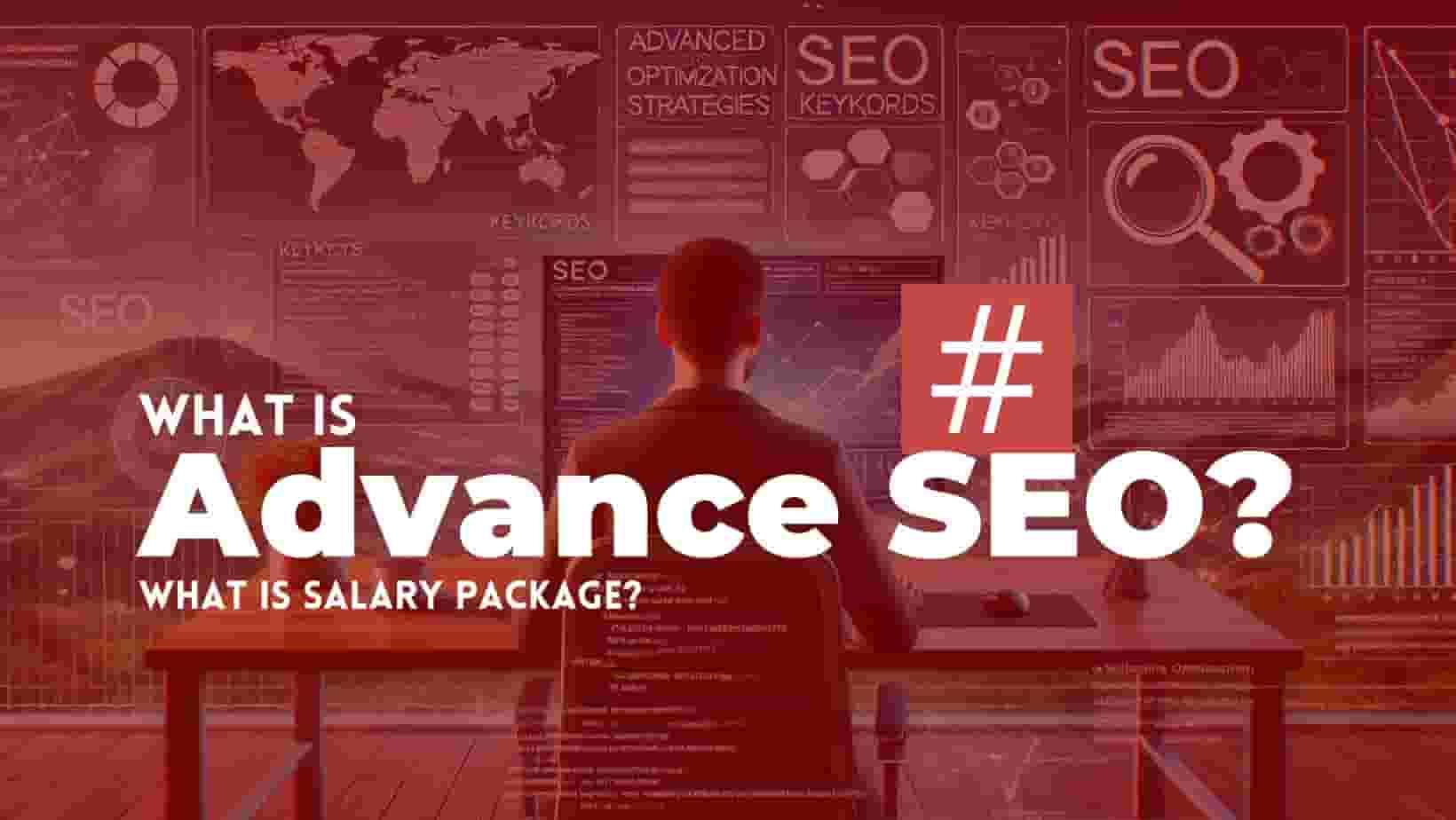
SEO (Search Engine Optimization) is a critical practice for improving the visibility and ranking of websites in search engine results. As digital marketing evolves, SEO also undergoes constant changes. While many marketers are familiar with basic SEO strategies, advanced SEO takes these techniques to the next level. This article will dive deep into Advanced SEO, offering insights on the latest...
🧩 BASIC WORDPRESS (1–10) 1. What is WordPress?WordPress is a CMS used to build websites without coding. 2. Why do companies prefer WordPress?Because it is easy, fast, SEO-friendly, and has thousands of themes/plugins. 3. Difference between Posts and Pages?Posts = blog contentPages = static content (About, Contact). 4. What are plugins?Small tools that add extra features to the...
Step 1: Conduct Keyword Research Identify Target Keywords Use tools like Google Keyword Planner, Ahrefs, SEMrush, or Ubersuggest to find keywords with high search volume and low competition. Look for long-tail keywords that are specific and easier to rank. Analyze Competitor Content Search your target keyword in Google and analyze the top 10 results. Note the headings,...
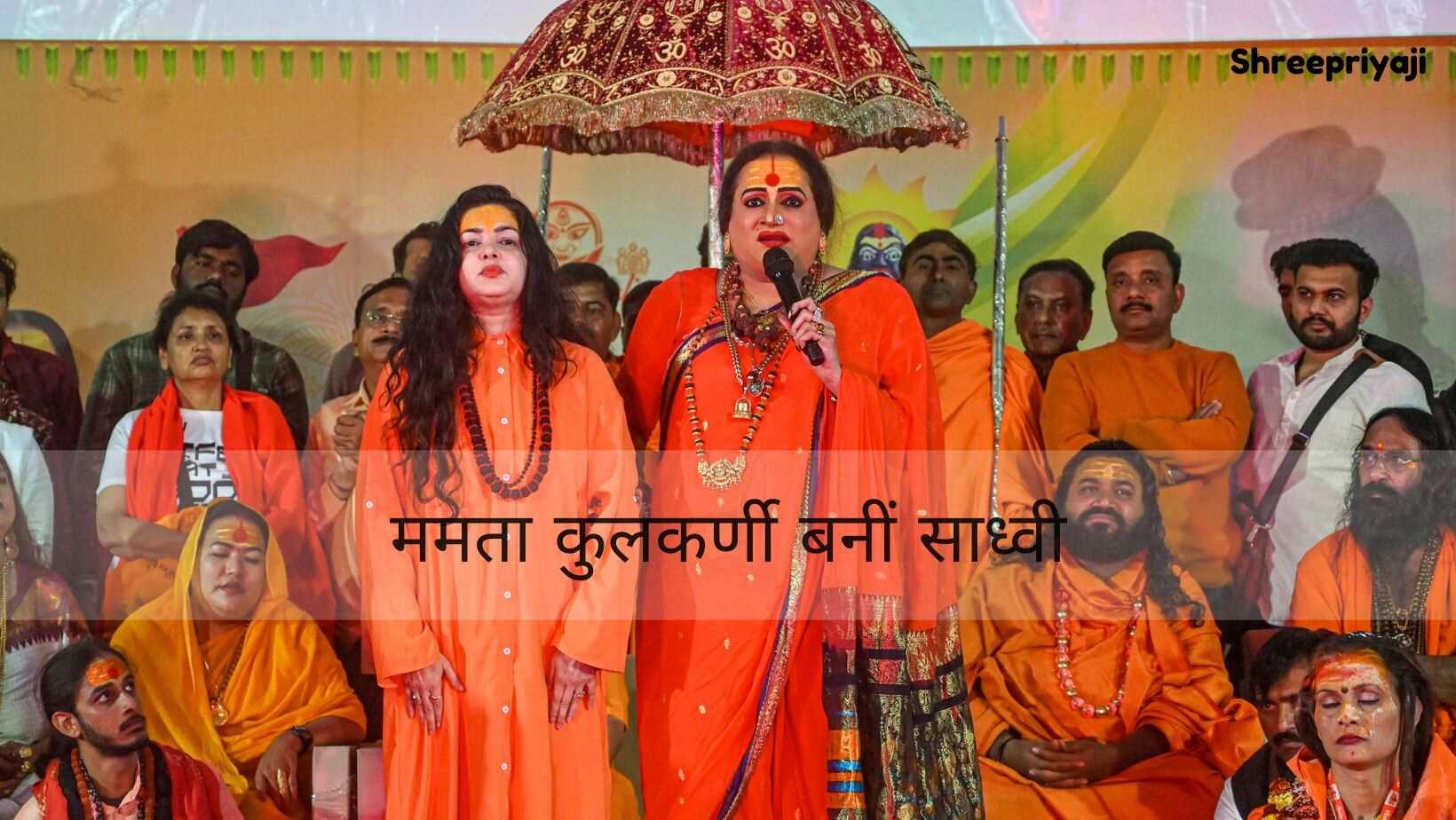
बॉलीवुड की मशहूर अभिनेत्री ममता कुलकर्णी, जो अपने समय में अपनी ग्लैमरस छवि और हिट फिल्मों के लिए जानी जाती थीं, ने एक ऐसा आध्यात्मिक मोड़ लिया जिसने सभी को हैरान कर दिया। वह अब महामंडलेश्वर के रूप में अपनी नई पहचान बना चुकी हैं। उनके जीवन की यह यात्रा काफी प्रेरणादायक है। आइए जानते हैं उनकी इस असाधारण यात्रा के बारे में: शुरुआती जीवन और बॉलीवुड में करियर ममता कुलकर्णी ने 1990 के दशक में...